

Top BIM Office Furniture Models Supplier for 2026 Projects
“Architects and interior designers often face delays when using low-quality or inaccurate digital furniture assets. Finding a reliable BIM office furniture models supplier ensures your 2026 commercial projects remain on schedule and within budget. Our high-fidelity models bridge the gap between conceptual design and final procurement.”
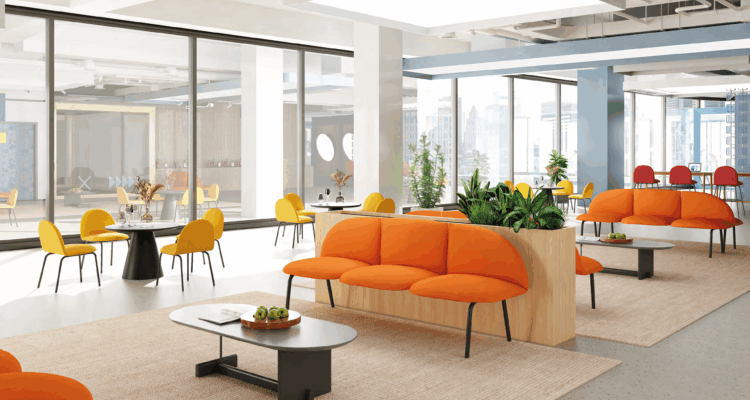
1. Solving Inaccurate Spatial Planning with Precise BIM Data
❖Inaccurate spatial planning leads to costly onsite adjustments and wasted square footage. By partnering with a dedicated BIM office furniture models supplier, you gain access to assets with exact real-world dimensions.
These models allow designers to verify clearances and ergonomic flow before a single piece of furniture is ordered. Using precise workplace Revit families reduces the risk of spatial conflicts in high-density office environments.
2. Improving Rendering Speeds with Optimized Revit Families
❖Heavy, unoptimized 3D files can crash design software and inflate rendering times significantly. Our 2026 catalog features optimized Revit families for office desks that maintain visual quality without excessive polygon counts.
Streamlined geometry ensures that even large-scale floor plans remain responsive and easy to navigate. This efficiency allows your team to focus on creativity rather than troubleshooting software performance issues.
3. Meeting Sustainable Standards with Detailed Product Metadata
❖Modern commercial projects in 2026 require strict adherence to green building certifications like LEED or WELL. Our BIM-ready workplace seating includes embedded metadata regarding material composition and recycled content.
Having this data integrated directly into the model simplifies the documentation process for sustainability audits. Designers can automatically generate schedules that highlight the eco-friendly attributes of the selected furniture.
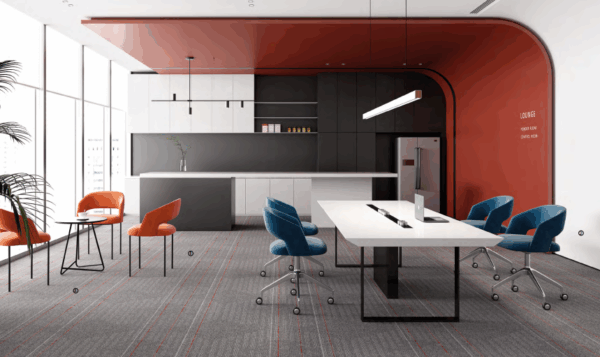
4. Customizing Workspace Layouts using Parametric Furniture Models
❖Static models limit design flexibility and require manual adjustments for every minor change. We provide parametric office furniture design assets that allow for instant resizing and configuration changes.
Designers can toggle between different finishes, leg styles, and privacy screen heights within the same family file. This versatility makes it easy to adapt standard products to unique architectural requirements.
5. Reducing Procurement Errors through Integrated BIM Specifications
❖Miscommunication between designers and procurement teams often results in the wrong items being ordered. Our commercial interior design BIM files include manufacturer-specific SKU numbers and pricing data.
When you export a furniture schedule from your BIM software, the data matches our inventory exactly. This direct link between the digital model and the physical product eliminates manual entry errors.
| Feature | Standard 3D Model | Advanced BIM Asset 2026 |
|---|---|---|
| Metadata | Basic Dimensions Only | Materials, SKU, Sustainability Data |
| Flexibility | Fixed Geometry | Parametric Adjustment Controls |
| LOD Level | LOD 100-200 | LOD 350-400 |
6. Enhancing Client Presentations with High-Fidelity 3D Assets
❖Winning client approval requires realistic visualizations that accurately represent the final result. Our high-fidelity 3D assets feature professional-grade textures and lighting properties for 2026 rendering engines.
Presenting a project with the exact furniture models to be installed builds trust and confidence with stakeholders. Realistic digital twins help clients visualize the texture of fabrics and the finish of wood grains.
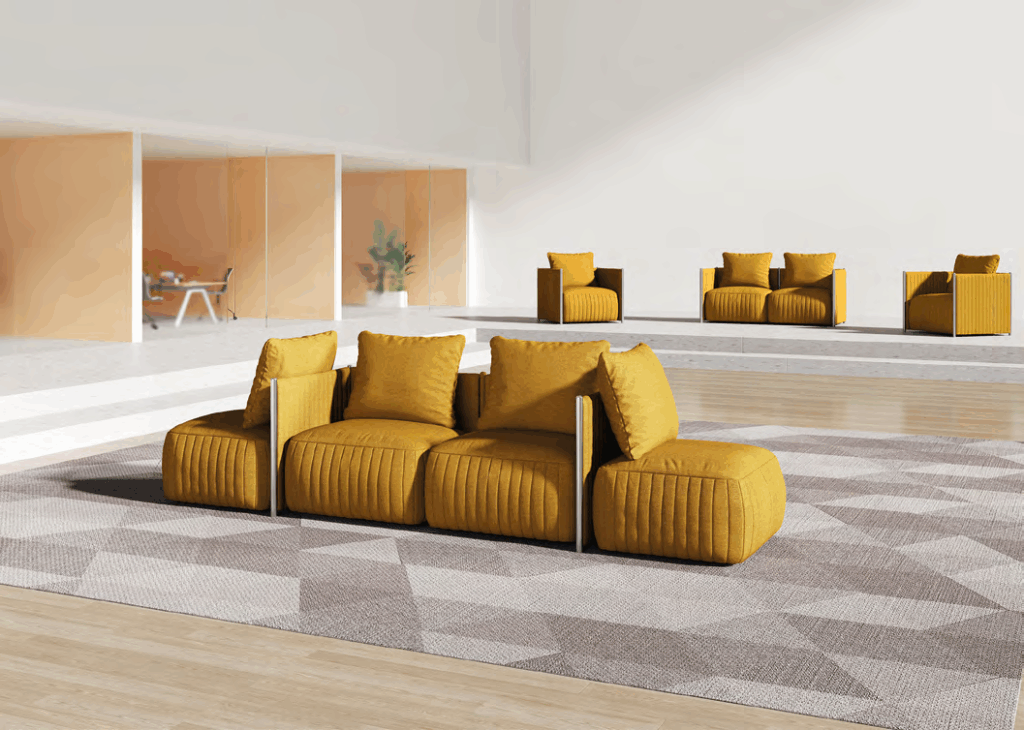
7. Managing Large Scale Commercial Projects with LOD 350 Models
❖Complex commercial developments require a high Level of Development (LOD) for construction coordination. We offer LOD 350 office furniture models that include necessary mounting details and connection points.
These details are crucial for coordinating with electrical and data contractors for powered workstations. High-LOD models ensure that floor boxes and cable management systems align perfectly with the furniture layout.
8. Streamlining Maintenance with Digital Twin Furniture Data
❖The value of BIM extends beyond the construction phase into long-term facility management. Our models serve as digital twins for office planning, containing warranty information and maintenance schedules.
Facility managers can use the BIM model to track the age and condition of furniture assets across multiple floors. This data-driven approach simplifies the replacement cycle and budget forecasting for large corporations.
The Future of Office Design Starts with Quality BIM Assets
Choosing the right BIM office furniture models supplier is essential for modern architectural workflows in 2026. By integrating high-quality, data-rich models, you improve design accuracy and project efficiency.
Our commitment to providing optimized, parametric, and sustainable furniture assets ensures your designs are ready for the challenges of tomorrow. Invest in better digital tools to deliver superior physical spaces.
Ready to streamline your logistics?
Ready to upgrade your digital library with professional assets? Request a quote for our 2026 BIM furniture catalog or contact our team for custom Revit family development. Visit our website to download sample models today.
Request Quote